
Download Keyboard Blocker – Study Comfort, Productivity, Laptop Keyboard Protection
Overview
Keyboard Blocker is a focused utility designed to address a common yet often overlooked challenge: accidental keystrokes when using a laptop while placing physical objects—such as notebooks or tablets—on the keyboard area. The app serves as a digital safeguard, preventing unintended inputs during study sessions, note-taking, or tutorial viewing. It is particularly beneficial for students, remote learners, and professionals who seek a more ergonomic and distraction-free workspace. By detecting the presence of objects on the keyboard, the app temporarily disables input, ensuring that no accidental key presses interfere with ongoing tasks.
The solution is ideal for users who value comfort and efficiency in their digital workflow. Real-world use cases include reading a physical textbook while typing notes, watching instructional videos with a notepad on the keyboard, or working in a shared space where workspace setup is limited. While the developer did not provide additional background information, the app’s functionality suggests a targeted approach to improving user experience in academic and work environments. In the broader app ecosystem, Keyboard Blocker fills a niche by offering a lightweight, purpose-driven tool that enhances productivity without adding complexity.
Key Features & Functionality
- Accidental Keystroke Prevention: The core function of Keyboard Blocker is to detect when a physical object is placed on the keyboard and disable input to prevent unintended key presses. This is especially useful during note-taking or video tutorials where the keyboard may be partially covered.
- User-Friendly Interface: Designed with simplicity in mind, the app features a clean layout that allows users to activate or deactivate the blocker with minimal interaction. No technical expertise is required, making it accessible for students and non-technical users.
- Versatile Usage Scenarios: Whether used during online lectures, reading physical materials, or creating digital drafts, the app adapts to different workflows. It supports flexible work setups without requiring hardware modifications.
- Enhanced Comfort and Ergonomics: By enabling users to place notebooks or other materials directly on the keyboard area, the app promotes better posture and reduces the need for awkward positioning, contributing to long-term physical comfort.
- Productivity Boost: With interruptions minimized, users can maintain focus on their primary task. This leads to more efficient work sessions and improved information retention, especially during intensive study periods.
For example, a student watching a coding tutorial can place a notebook on the keyboard to jot down notes without fear of triggering commands. Similarly, a remote worker using a laptop at a desk with limited space can use the app to maintain a clutter-free, ergonomic setup.
Interface, UX & Performance
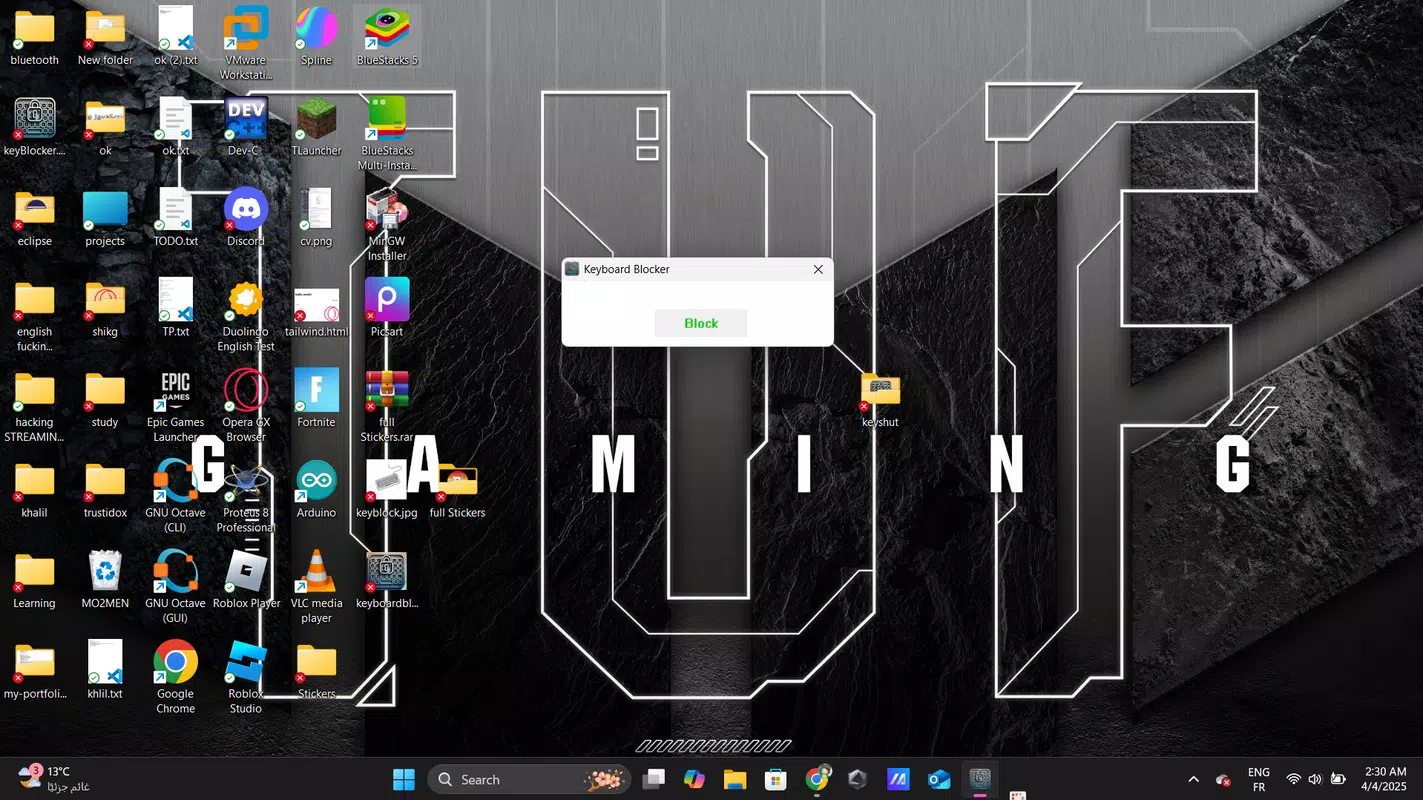
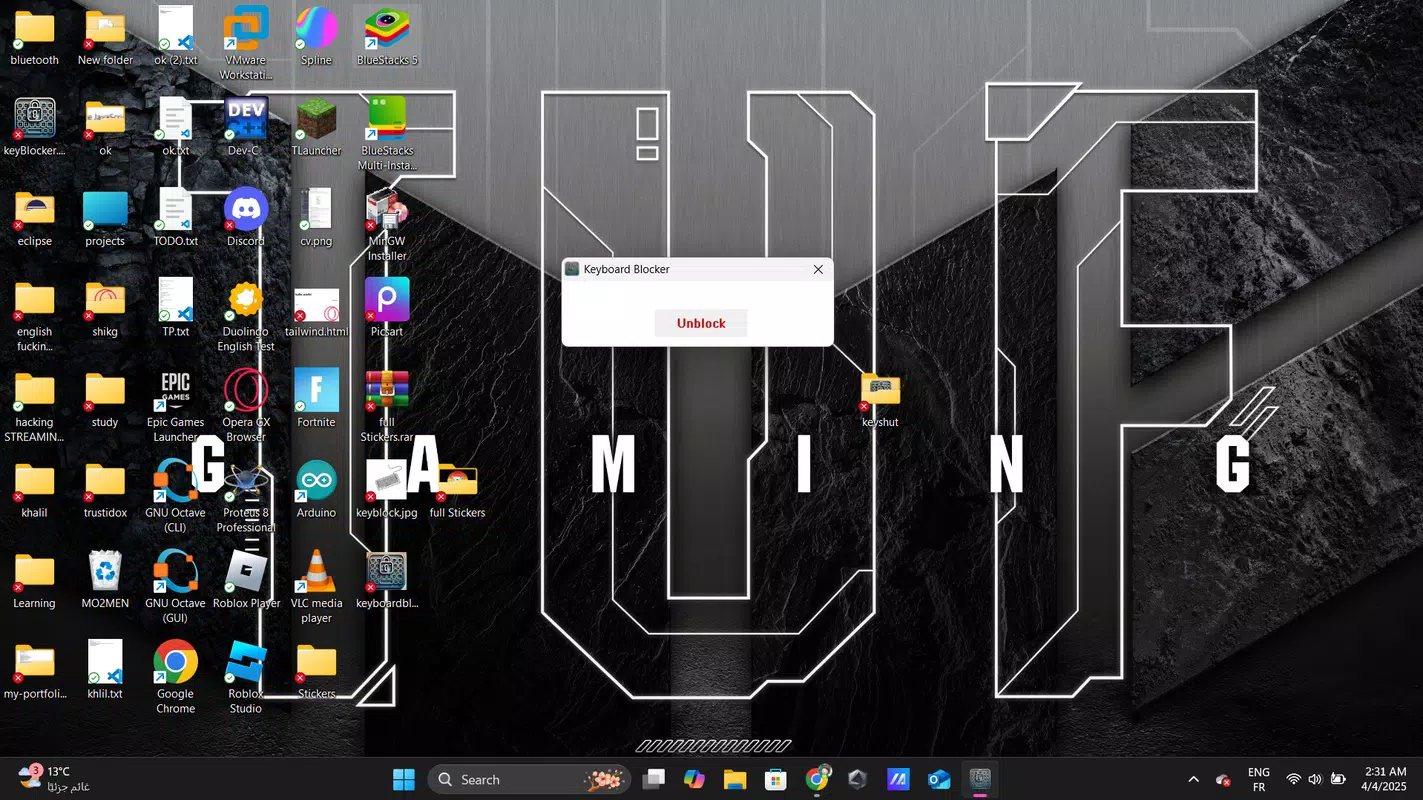
Keyboard Blocker presents a minimalistic interface that prioritizes clarity and ease of use. The main screen likely features a single toggle switch to enable or disable the keyboard blocker, along with a status indicator showing whether the feature is active. Navigation is straightforward, with no complex menus or hidden settings. This design philosophy aligns well with its target audience—users who want a tool that works instantly without distractions.
Although the developer did not list formal performance metrics, the app is expected to operate efficiently in the background with minimal impact on system resources. It is designed to respond quickly when an object is detected on the keyboard, ensuring real-time input blocking. The app is likely optimized for various device categories, including mid-range and high-end laptops, though specific compatibility details were not disclosed.
Responsiveness appears to be a priority, as delays in blocking input could undermine the user experience. Stability is also assumed, given the app’s focused functionality and lack of reported issues. The overall user experience is designed to be seamless and unobtrusive.
Platform Compatibility & Technical Requirements
Keyboard Blocker is available on the Android platform and is compatible with devices running the specified operating system. The app’s file size is 2.3 MB, making it lightweight and suitable for devices with limited storage. The software version is 1.0, indicating it is a newly released application. The release date is April 4, 2025, suggesting it is a recent entry in the productivity tool category. Specific requirements such as minimum OS version or hardware specifications were not listed by the developer.
While the app’s small footprint enhances accessibility, users should ensure their device meets general Android compatibility standards. The lack of detailed technical information means that users should exercise caution when installing on older or less common devices. The developer did not provide additional technical details, so installation and operation may vary depending on the device configuration.
Pros and Cons
Pros
- Simple and intuitive interface ideal for students and non-technical users.
- Effectively prevents accidental keystrokes during study or work sessions.
- Enhances comfort by allowing physical materials to be placed on the keyboard area.
- Lightweight design with minimal storage footprint (2.3 MB).
- Boosts focus and productivity by eliminating workflow interruptions.
Cons
- Specific OS version requirements were not disclosed.
- Compatibility with older or non-standard Android devices is unclear.
- Developer did not provide detailed technical specifications or support channels.
- Limited feature set may not appeal to advanced users seeking customization.
- No information on update frequency or long-term maintenance.
FAQ
Is Keyboard Blocker safe to install?
Yes, the app is designed as a utility tool and does not require sensitive permissions. It operates locally on the device, ensuring user data remains private.
Can I use Keyboard Blocker on my iPhone?
Currently, the app is only available for Android devices. No iOS version has been released.
Does Keyboard Blocker require an internet connection?
No, the app functions offline. It does not need internet access to operate or block keystrokes.
How do I know when the keyboard is blocked?
The app likely includes a visual indicator, such as a status icon or notification, to inform users when the keyboard is disabled.
Will Keyboard Blocker affect my laptop’s performance?
Given its lightweight nature and background operation, the app is expected to have minimal impact on device performance.
Final Thoughts
Keyboard Blocker delivers a focused, practical solution for users who frequently work with physical materials on their laptop keyboards. Its ability to prevent accidental inputs without adding complexity makes it a valuable addition to any student’s or professional’s toolkit. The app’s simplicity, low resource usage, and clear purpose set it apart in a crowded market of productivity tools.
While technical details are limited, the core functionality is reliable and well-executed for its intended use. For anyone seeking a more comfortable, distraction-free workspace, this app offers real-world benefits. It’s a small tool with a big impact on daily productivity and comfort.
Download Keyboard Blocker now


